The Best AI Tools in 2026 — Complete Guide
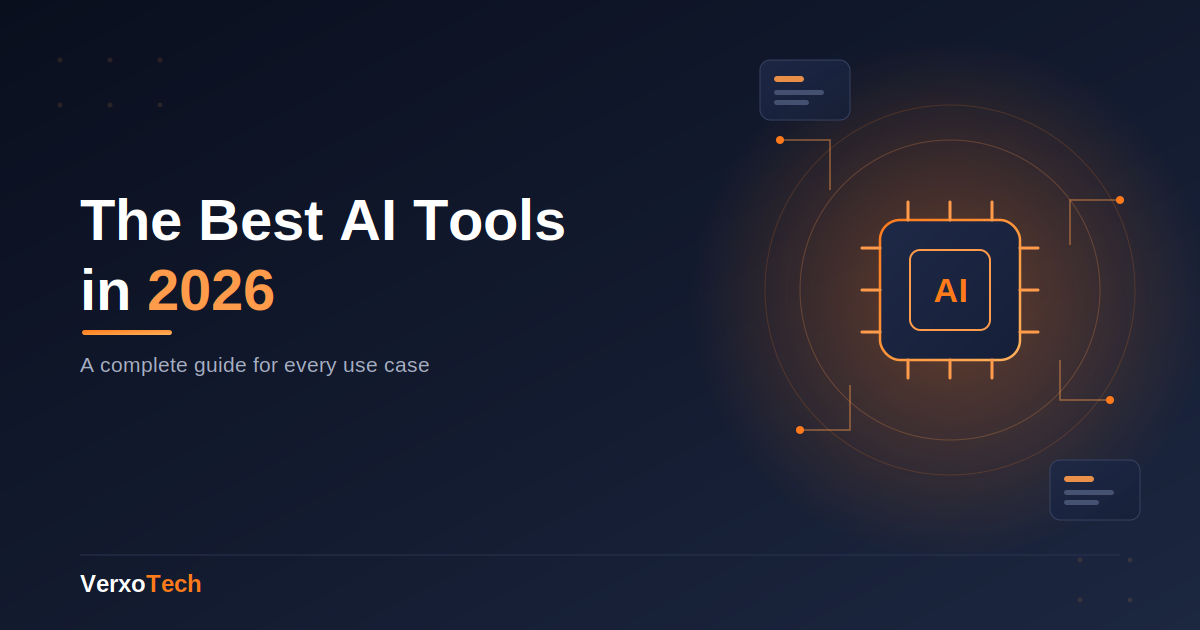
The Best AI Tools in 2026: A Complete Guide for Every Use Case
Artificial intelligence stopped being a novelty a while ago. In 2026, AI tools are woven into how people write, design, code, manage businesses, and get through their workday. The challenge isn't finding an AI tool anymore — it's figuring out which one is actually worth your time out of the hundreds now available.
This guide breaks down the best AI tools by category, so you can skip the trial-and-error and go straight to what works.
Why the AI tools landscape changed so fast
A few years ago, "AI tool" mostly meant a chatbot. Today, AI is embedded directly into writing apps, design software, spreadsheets, video editors, and business dashboards. The shift happened because the underlying models got both cheaper to run and far more capable at specific tasks — which pushed companies to build AI features directly into the software people already use, instead of forcing them into a separate app.
That's good news for users: less switching between tools, more AI quietly doing the boring parts of a task.
Best AI tools for writing and content creation
Writing is still the single most common AI use case, and the tools here have matured a lot.
General-purpose writing assistants — useful for drafting, editing, summarizing, and rewriting in different tones. These work well for blog posts, emails, and reports. Grammar and style checkers — now catch tone and clarity issues, not just spelling and grammar. SEO content assistants — help structure articles around search intent, suggest headings, and flag readability issues.
Best for: bloggers, marketers, students, and anyone who writes regularly but doesn't want to start from a blank page.
Best AI tools for coding and development
AI coding assistants have gone from "autocomplete on steroids" to genuinely useful pair programmers.
In-editor coding assistants — suggest entire functions, catch bugs before you run the code, and explain unfamiliar codebases. AI-powered debugging tools — read error messages and stack traces, then suggest fixes in plain language. No-code/low-code AI builders — let non-developers describe an app in plain English and get a working prototype.
Best for: developers who want to move faster, and non-technical founders who need a functional prototype without hiring a dev team first.
Best AI tools for design and visual content AI image generators — turn text prompts into usable graphics, social media visuals, and product mockups. AI design assistants inside design software — auto-generate layout variations, resize designs across formats, and suggest color palettes. AI video editors — auto-cut footage, add captions, and remove filler words from spoken video.
Best for: small businesses and creators who need decent visuals without a design budget.
Best AI tools for productivity and business AI meeting assistants — transcribe calls, summarize key points, and list action items automatically. AI email assistants — draft replies, summarize long threads, and prioritize your inbox. AI spreadsheet tools — turn plain-language requests into formulas, clean messy data, and build charts automatically.
Best for: small teams and solo operators juggling too many tasks with no admin support.
Free vs. paid AI tools: what's actually worth paying for
Most AI tools now offer a free tier, but the free version is usually rate-limited or missing key features. As a general rule:
If you use a tool daily for real work, the paid tier usually pays for itself in time saved. If you use a tool occasionally, the free tier is often enough. Watch out for tools that look free but require a subscription the moment you need to export, remove a watermark, or use it commercially. How to choose the right AI tool for your workflow
Instead of chasing the "best" AI tool overall, ask three questions:
What's the one task eating the most time in my week? Start there — don't try to automate everything at once. Does this tool integrate with what I already use? A tool that lives inside your existing workflow beats a better tool you'll forget to open. What happens to my data? For business use especially, check the tool's data policy before feeding it sensitive information.
Final thoughts
The best AI tool isn't the one with the most features — it's the one you'll actually keep using. Start with a single pain point, pick one tool to solve it, and expand from there. We'll be reviewing and comparing specific tools in each category in upcoming posts, so check back if you want deeper, hands-on comparisons.